Normalized Shelf Numbers
Available in license(s): Logistics
Productivity Package allows you to define if you ton normalise Shelf Numbers. To use this functionality, go the the Productivity Package Setup:
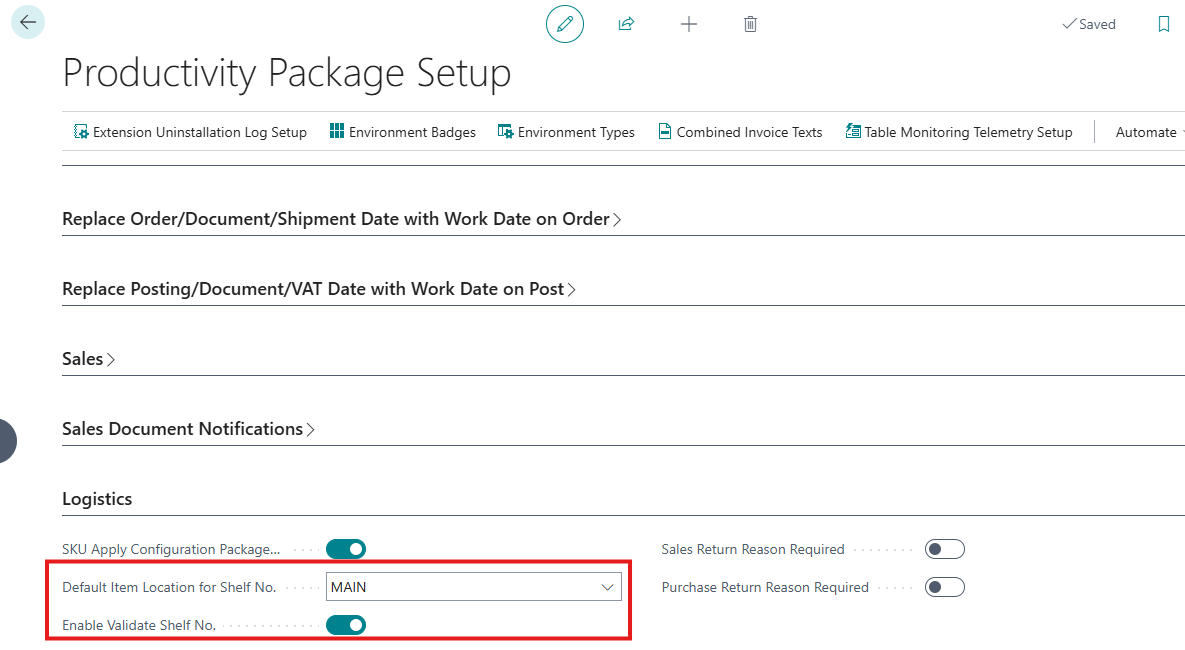 By default, the validation on the Shelf Number field is turned of. To enable the validation, you can use the setting "Enable Validation Shelf No.". Please note that when you enable the setting, the validation will be only be executed when you modify a value in the Shelf Number field. When you define a Shelf No. on the Item Card, the system needs to know at what location the Shef No. is used. This is defined by the Default Item Location for Shelf No.
On the Item Card, when you want to define the Shelf No. for the item, you can now use the visual assist to select the Shelf Number:
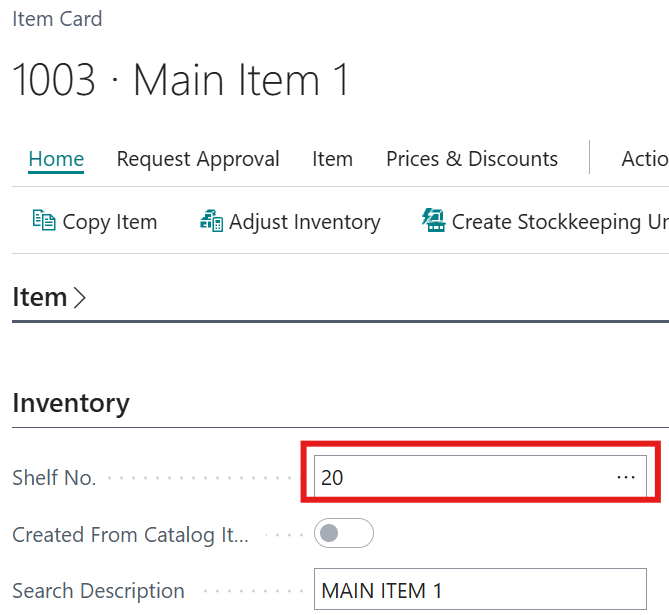
In the lookup table you can define the codes and the corresponding descriptions.
Please note, that de Shelf Numbers are created per location code. Because of this, the Normalized Shelf Numbers are available on the SKU-cards as well.